

AI sticker maker: turn any photo or text into a sticker
This AI sticker maker takes a description or a photo and gives you a transparent 512×512 sticker under 100 KB, ready for WhatsApp — cut out on your own device, no app to install.


One free AI sticker · photo cut-outs unlimited. Compare options
- Free to try
- No sign-up
- 512×512 · under 100 KB
What you get
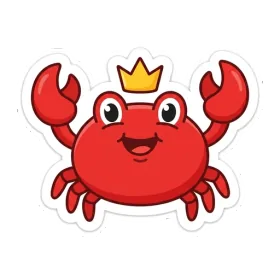
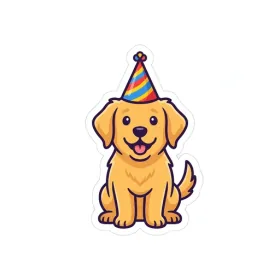
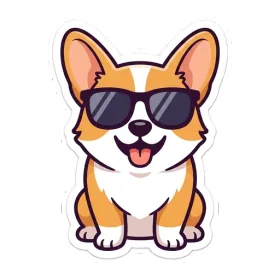
Made with this tool · 512 × 512 · transparent


- Transparent background, no white box
- White die-cut edge
- Under 100 KB so WhatsApp keeps it sharp
Pick a starting point
Five ways to make something worth sending.
Photo to sticker
Cut the background out on your device and fit the subject to 512×512.
AI text to sticker
Describe a character or a mood and get a finished transparent sticker.
WhatsApp sticker maker
Make the file here, then import it in WhatsApp on Android or iPhone.
GIF to sticker
Pull frames from a GIF in the browser and keep the expression you want.
Custom emoji maker
Discord and Slack emoji sizes, formats, and the honest limits.
Recently made
Every generation gets its own page, with the prompt that made it.


The part most sticker sites get wrong
WhatsApp does not resize stickers for you. It rejects anything that is not 512×512, and it re-compresses anything much over 100 KB — which is why a photo dropped straight into a chat ends up as a small boxed picture instead of a sticker that fills the bubble.
Every file here is already cut out, centred, outlined in white and compressed under the limit. Nothing requires an account to try: one free AI sticker and unlimited photo cut-outs, then import the result into WhatsApp yourself — about thirty seconds on both platforms, with the steps on the WhatsApp page.
The problem
Most tools upload your photo to a server, queue it, and meter how many cut-outs you can do. The file that comes back is often the wrong size or too heavy, so WhatsApp shrinks it into a tiny boxed image.
What we do
Photo cut-outs run entirely inside your own browser, so the picture is never uploaded and stays free and unlimited. Text stickers run on a server-side image model — the one feature that costs per image — which is why you get one free generation rather than an endless allowance.
Questions
How do I make a sticker without an app?
Open this page, type a description or drop a photo, and the sticker is made in your browser. Photo cut-outs never upload to a server, and the result downloads as a transparent WebP you can import into WhatsApp directly.
Is the AI sticker maker free?
Yes. You get one free AI sticker without an account, and photo-to-sticker background removal runs entirely on your device, so it is free and unlimited. Paid volume plans appear on the pricing page when checkout is available.
What size and format are the stickers?
Every sticker is 512×512 pixels with a transparent background, exported as WebP under 100 KB — exactly what WhatsApp and Telegram accept without re-compressing the file.
Can I make a sticker from a GIF?
Yes. The GIF tool decodes the animation in your browser and lets you pick the frame that reads best, then exports it as a full-quality static sticker.
Do I need an account to download?
No. Generating and downloading both work without an account. Signing in only matters if you want to keep a history or manage a paid plan.